iLovePDF alternatives: an honest 2026 comparison
iLovePDF is the default PDF tool on the internet. It is also not the only option, and not always the best one. This is an honest, sourced comparison of the major alternatives in 2026.
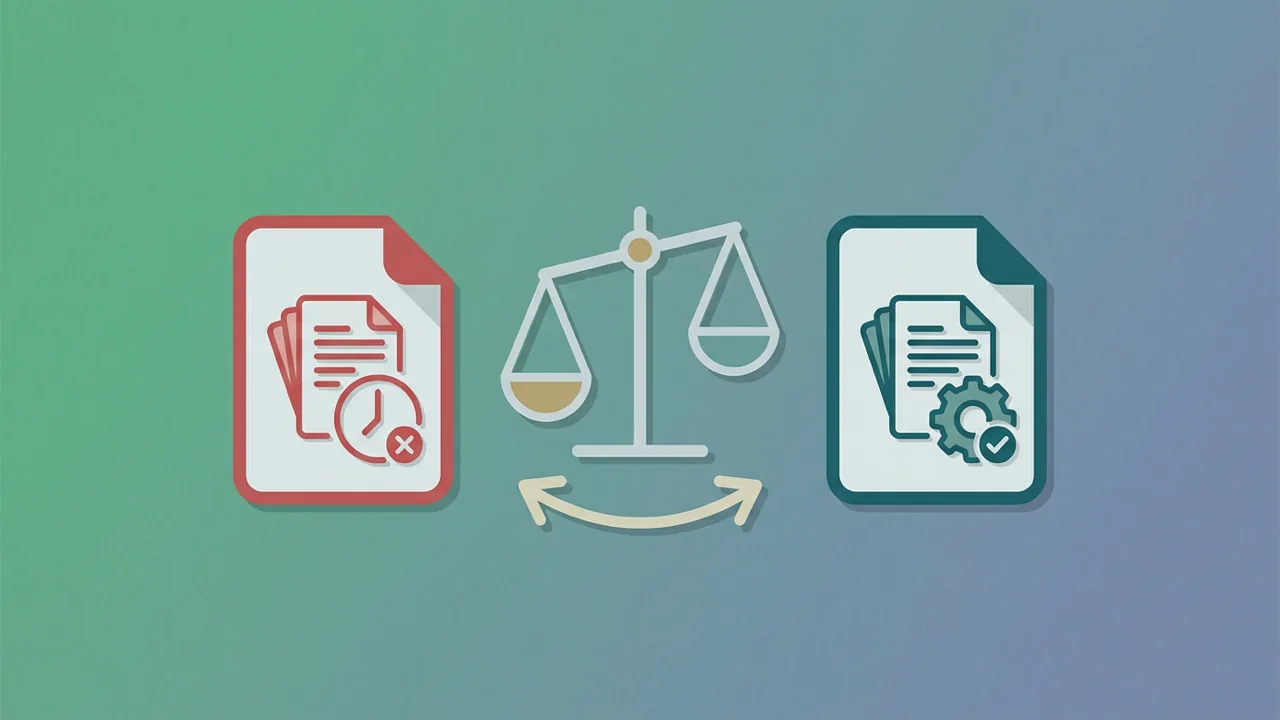
iLovePDF is the default PDF tool on the internet. It was first, it's well-known, and for a lot of people it does the job. But it's not the only option, and not always the best one. This is an honest, sourced comparison of the major alternatives in 2026, with a checklist you can use to evaluate any PDF tool yourself.
What iLovePDF is good at
- Brand recognition — 'I just used iLovePDF' is a phrase that people understand
- Mobile and desktop apps — iLovePDF has native apps for iOS, Android, macOS, and Windows, while most competitors are web-only
- Team features — Premium and Business plans add team management and SSO
- Mature feature set — long tail of niche tools (rotate, repair, protect, watermark, page numbers)
Where it falls short
Drawn from iLovePDF's own pages and a side-by-side test on 11 June 2026:
Free tier shows ads and uses ad-network cookies
iLovePDF's free tier is ad-supported. That means third-party ad networks set cookies when you visit the site, even before you do anything. For a privacy-sensitive workflow, this is a deal-breaker.
File retention is 2 hours, not 0
iLovePDF's Features page (11 June 2026): 'We automatically eliminate all your archives within two hours.' Two hours is much better than the industry default of weeks, but it's not the same as 'processed in memory and discarded immediately' — which is what GetPDFPro does, and what you want for sensitive files.
Premium pricing varies by region and changes frequently
iLovePDF Premium starts at ₹200/month (~$2.40) on the annual plan or ₹500/month (~$6) on the monthly plan, per their live pricing page on 11 June 2026. The price differs in other currencies, and the tiered feature matrix (Free / Premium / Business) is harder to read than a flat Pro plan.
Conversion accuracy is hit-or-miss on complex layouts
PDF ↔ Word conversion in particular: tables, multi-column layouts, and equations often need manual cleanup. This isn't unique to iLovePDF — it's a hard problem — but it's worth knowing if you rely heavily on conversion.
The main alternatives in 2026
A short, honest tour. None of these are paid placements — they're the tools a privacy-conscious user should at least know about.
GetPDFPro
Web-only for now (mobile apps on the roadmap). Built on PyMuPDF and FastAPI. Free tier: 50 tasks/day signed-in, 1/day anonymous, 50 MB cap. Pro: $3.99/month or $24/year, 1,000 tasks/day, 4 GB files. Zero ads, zero third-party tracking, in-memory processing with immediate discard. Privacy posture: GDPR, CCPA, HIPAA-aware design, SOC 2 controls in place.
Smallpdf
Swiss-based, very polished UI, similar pricing model. Free tier: 2 tasks/day. Pro: $9/month, fewer ads than iLovePDF. They also retain files for a short period after processing (their docs say 1 hour on the free tier, immediate on Pro tasks).
PDF24
German, with a fully offline desktop version (Windows only). Free, with no file size cap on the desktop tool. The web version is ad-supported. Good for users who want a local, no-cloud option.
Sejda
Web-based, free tier with 200 pages or 50 MB per task. Pro plans from $7.50/month. Strong task-oriented UI — no clutter. Files deleted after 2 hours, per their privacy policy.
Adobe Acrobat online
The reference implementation, since Adobe invented the format. Free tier is limited (basic tools only, with sign-in required). Pro: $19.99/month (Acrobat Standard) or $24.99/month (Acrobat Pro). Best for users already in the Adobe ecosystem who need maximum format fidelity.
The 6-point checklist
Use this to evaluate any PDF tool — not just the ones above.
- How long do they keep your files? Look for an explicit retention policy. 'In memory, discarded after the request' is best.
- Do they show ads? Ads mean third-party tracking. For confidential work, pick an ad-free tool.
- What's the free tier limit? Anything under 5 tasks/day is too restrictive to be useful for evaluation.
- What's the file size cap? If you regularly work with files over 10 MB, look for at least 50 MB on free and 1 GB on paid.
- Is the pricing transparent? Tiered feature matrices that hide the real cost are a yellow flag.
- Does it preserve PDF structure? Spot-check: select text in the output. If you can't, the tool rasterized — and you've lost searchability, accessibility, and reusability.
The bottom line
iLovePDF is a fine default for casual use, especially if you want a mobile app. For privacy-sensitive workflows, batch processing, or predictable pricing, the alternatives are worth a look. We built GetPDFPro for users who want a no-ads, transparent-pricing, immediate-discard alternative — but whichever tool you pick, use the checklist above to make sure it actually meets your needs.
Sources
Every fact in this post is linked to a source we verified.
- iLovePDF — Pricing (live, 11 Jun 2026) — accessed 2026-06-11
- iLovePDF — Features (file retention) — accessed 2026-06-11
- Smallpdf — Pricing — accessed 2026-06-11
- Sejda — Pricing — accessed 2026-06-11
- Adobe Acrobat — Plans — accessed 2026-06-11