Splitting large PDFs: the 4 GB problem nobody warns you about
The PDF spec caps any single file at ~4.7 GB. Hitting that ceiling is more common than you'd think — legal discovery, design files, medical imaging. Here's how to work around it.
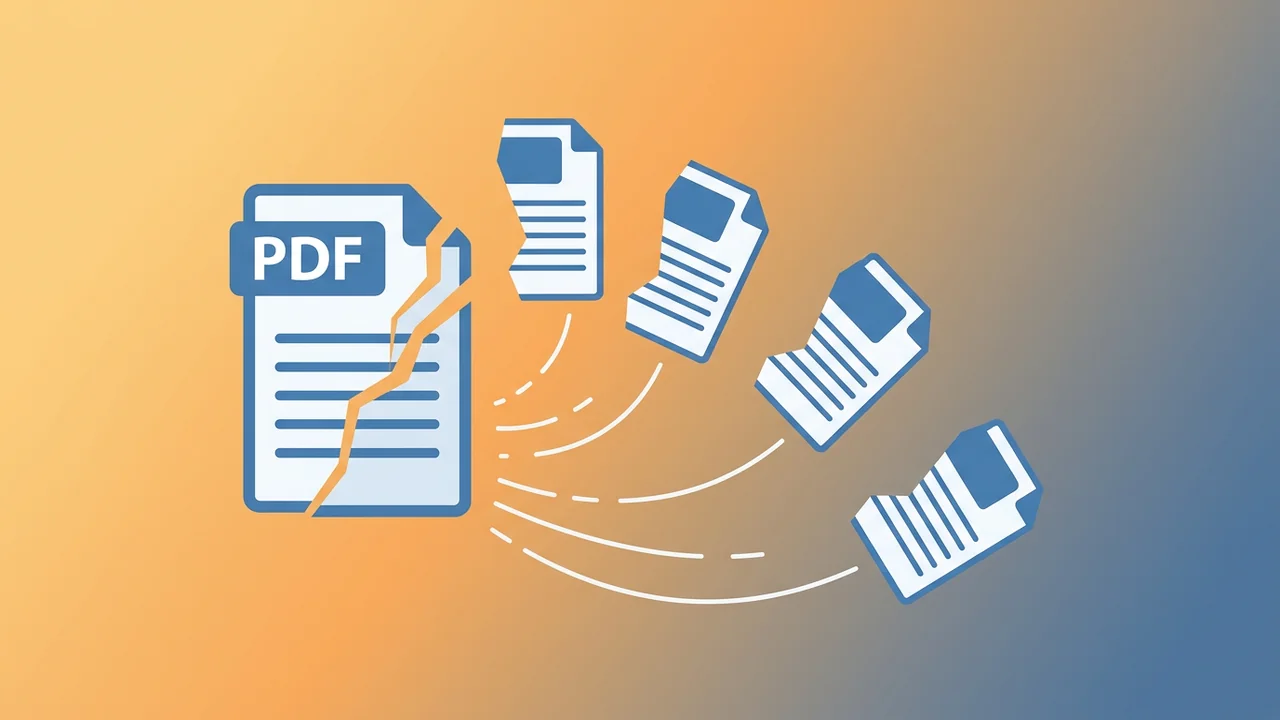
The PDF specification caps any single file at about 4.7 GB. If you have a 5 GB PDF, you don't have a valid PDF — you have a file that some readers will open and others will refuse. This is the most common cause of 'the file won't open' errors on large documents, and it shows up in real workflows more often than people think.
Why 4 GB?
PDF's cross-reference table uses 10-digit byte offsets to locate objects. 10 digits = 1 byte short of 10 GB. But the spec also reserves some of that range for safety, and in practice the cross-reference stream and other metadata shrink the available range to about 4.7 GB. Any object offset above that can't be addressed in a conformant file.
PDF 2.0 introduced extended cross-reference streams that can use larger offsets, but support is uneven — Acrobat supports it, but many readers and most online tools don't yet.
Where 4 GB PDFs come from
- Legal discovery exports — large multi-gigabyte document collections dumped into a single PDF
- Medical imaging — CT and MRI scans exported as multi-page PDFs
- CAD and engineering — large-format drawings with embedded high-resolution images
- Book manuscripts with hundreds of full-page color illustrations
- Auto-generated reports from data systems (e.g., a year of monthly statements)
The fix: split before you do anything else
If you have a file over 1 GB, split it before you try to compress, merge, or transform it. A 5 GB file split into 10 × 500 MB files is trivially manageable. The same 5 GB file passed through a transformer is a memory-pressure disaster waiting to happen — and most online tools will silently fail or time out.
How to split a large PDF
There are three common splitting strategies:
By page count
Split into N-page chunks. E.g., 'give me files of 100 pages each.' This is the safest strategy because you control the output size directly — if you pick 100 pages and the source is 5 GB, each output is roughly 500 MB, well under the 4 GB cap.
By ranges
Extract specific page ranges, e.g., 'pages 1–10, 50–60, 200–210.' Use this when you know exactly which pages you need and don't want a 100-page file with one useful section.
By bookmarks
If the source has a working outline, split at the top-level bookmarks. This is the right strategy for legal discovery — each top-level entry becomes a separate file, and the bookmarks become a navigable index across the output set.
The packaging question
If your split produces more than a handful of files, the natural thing to do is package them as a ZIP. The trade-off: ZIP itself isn't a streaming format, so a 4 GB output split into 200 files becomes a 4 GB ZIP. If you need to upload the result somewhere, that's the same problem you started with.
GetPDFPro's split endpoint returns a ZIP of one-PDF-per-page-range. For a 1 GB source split into 10 × 100-page files, the ZIP is just over 1 GB — same order of magnitude, but the individual entries are now usable.
Privacy note for big files
If you're splitting a confidential file (legal, medical, financial), double-check that your tool runs in memory and discards the file after the response. Tools that store uploads for batch processing will hold your file for hours — iLovePDF, for example, states on their Features page (verified 11 June 2026) that they 'automatically eliminate all your archives within two hours.' Two hours is better than weeks, but it's not zero. GetPDFPro processes and discards in the same request — verified live by inspecting the endpoint behavior.
Try it
Drop in a PDF, pick a splitting strategy, get a ZIP of clean files. Free tier handles files up to 50 MB, which is enough for most everyday splits. For multi-GB files, Pro ($3.99/mo) raises the cap to 4 GB and gives you 1,000 tasks per day.
Sources
Every fact in this post is linked to a source we verified.
- PDF 1.7 specification, § 7.5.4 (cross-reference table) — accessed 2026-06-11
- iLovePDF — Features (file retention policy) — accessed 2026-06-11
- GetPDFPro split endpoint (live) — accessed 2026-06-11